Somewhere around 2021, every lithium battery brand suddenly started slapping “Bluetooth” on the box like it was a free feature. It usually is not free. You are typically paying somewhere between $30 and $100 more per battery for a built-in Bluetooth module and the companion app, and I get asked constantly whether that money is worth spending.
The quick version
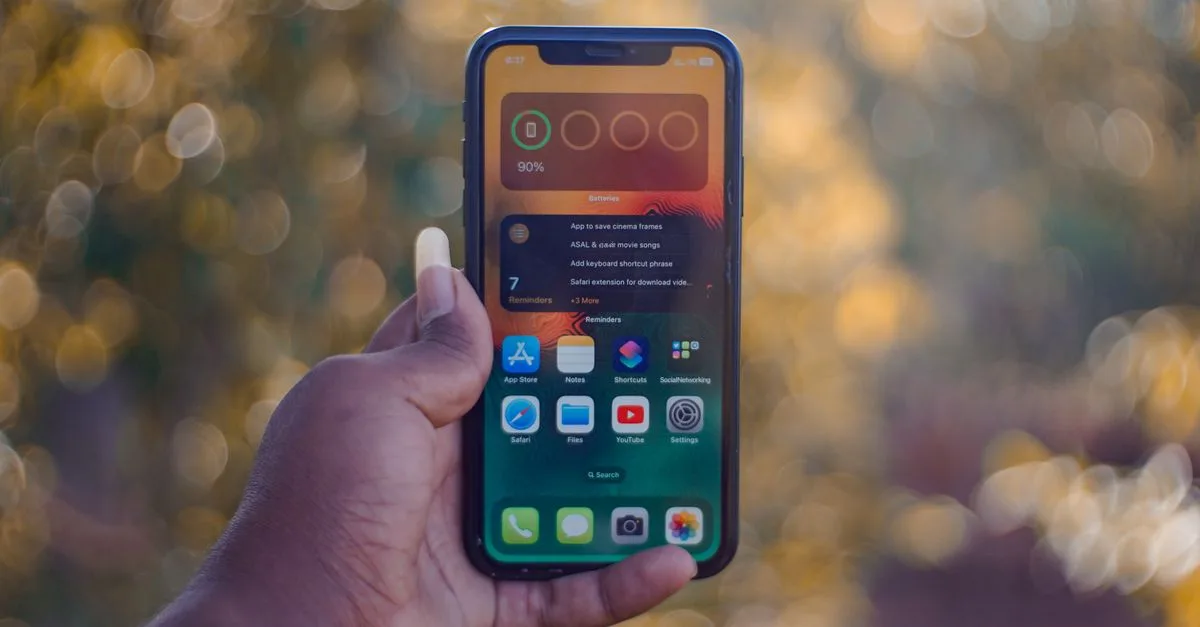
- Bluetooth gives you a phone-based window into your battery’s BMS: voltage, cell balance, temperature and rough state of charge.
- It is genuinely useful when the battery is hard to reach, like under a dinette seat or behind a wall panel.
- It is not a substitute for a proper shunt-based battery monitor if you actually need accurate amp-hour tracking.
- Range is shorter than advertised once metal, water tanks and RV walls get involved, usually 15 to 25 feet in real use.
- The app data comes from the battery’s own BMS, so its accuracy is only as good as that BMS’s voltage sensing.
What the Bluetooth connection is actually showing you
Inside every modern lithium battery sits a battery management system, or BMS, that already tracks individual cell voltages, pack temperature and whether the battery is charging or discharging. Bluetooth just exposes that internal data to an app on your phone instead of keeping it locked inside the case.
On a Battle Born or Li Time battery with Bluetooth, you will typically see total pack voltage, a state of charge percentage, individual cell voltages (useful for spotting an imbalance early), and internal temperature. Some apps log history so you can scroll back and see a discharge curve from last night’s boondocking.
That is genuinely handy information. It is just not the same thing as a whole-system energy monitor, and that distinction trips people up constantly.
Where it actually earns its keep
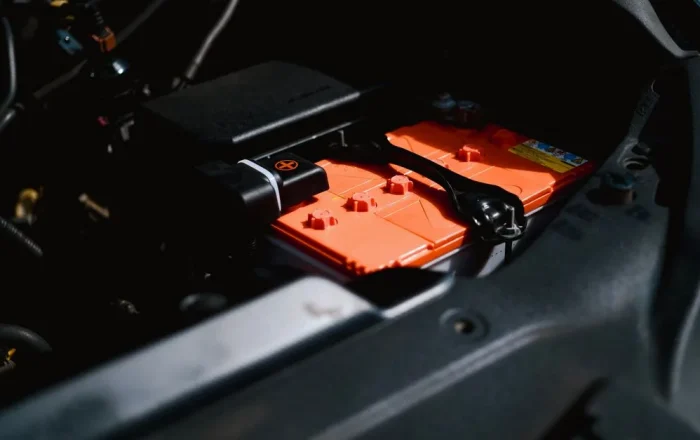
The scenario where Bluetooth pays for itself is when the battery is buried somewhere inconvenient. I wired a Sprinter van a couple summers ago where the customer had tucked two 100Ah batteries under a fixed bench seat with maybe eight inches of clearance and zero room for a remote display.
Without Bluetooth, checking that battery meant unloading gear, pulling cushions, and using a flashlight. With it, he pulls out his phone from the driver’s seat and sees voltage and percentage in about three seconds. For a setup like that, paying the $60 upcharge on a Li Time 100Ah battery was an easy call.
It is also useful during the first few weeks after any lithium conversion, when you are still learning how your system behaves. Watching cell voltages during that first full charge cycle can catch a genuinely defective cell before it becomes a warranty headache down the road.
Tip: During your first week with a new lithium battery, open the app once during a full charge and check that all cells land within about 0.02 to 0.03 volts of each other at the top. A bigger spread than that is worth flagging with the manufacturer while you are still inside the return window.
Where it falls short
Here is the mistake I see constantly: someone installs a Bluetooth lithium battery and assumes they no longer need a real battery monitor like a Victron SmartShunt or a Renogy DCC50S with its display. Then they cannot figure out why their percentage readings jump around or disagree with what they are actually experiencing.
The battery’s internal BMS estimates state of charge mostly from voltage, sometimes with a bit of coulomb counting layered in on nicer units. Voltage-based estimation on lithium is inherently mushy in the middle of the discharge curve, because LiFePO4 sits flat around 13.0 to 13.3 volts for most of its usable capacity before diving at the end.
A proper shunt sits at the negative battery terminal and measures actual current flowing in and out of the entire system, batteries, solar, inverter, DC loads, all of it. That gives you a real amp-hour count, which is a far more trustworthy percentage than a voltage guess from inside one battery.
Short answer on accuracy: treat the Bluetooth app’s percentage as a rough estimate, and treat a shunt-based monitor’s percentage as the number you actually plan your day around.
Range, dropouts and the reality of RV walls
Manufacturers love to advertise 100-plus feet of Bluetooth range, and technically that is true in an open field with nothing between you and the battery. Put that same battery inside an aluminum-skinned trailer with a steel frame, a water tank, and a few feet of insulation, and reality changes fast.
In my experience, you get a reliable connection standing right next to the battery compartment, a shaky one from ten to fifteen feet away inside the rig, and often nothing at all once you walk outside to the campsite picnic table. If you were hoping to monitor your battery from fifty feet away while sitting by the fire, most Bluetooth setups will disappoint you.
Some newer systems, including Victron’s Cerbo GX ecosystem, solve this by adding a permanent Bluetooth-to-WiFi bridge or hardwired connection, letting you check status from anywhere with a data connection. That is a different tier of system than a $60 Bluetooth upgrade on a single drop-in battery, and it costs accordingly.
A realistic buying decision
If you are choosing between two otherwise identical batteries and Bluetooth costs you an extra $40 to $80, I lean toward yes, especially for a first lithium system where you are still learning what normal looks like. It is cheap insurance and a nice diagnostic tool when something seems off.
If your budget is tight and you already plan to install a real battery monitor like a Victron SmartShunt or Renogy DCC, I would put that money toward the shunt first. That is the tool doing the actual work of telling you how much usable power you have left, which matters far more than checking cell voltages from the couch.
If you are comparing brands for your first battery bank, it is worth reading through how to choose a lithium battery brand before you fixate on the Bluetooth feature alone, since build quality and BMS protections matter more long term. And if you are still deciding how big a bank you need in the first place, working out how many amp hours you actually need should come before any app feature.
What I actually tell people
Bluetooth is a nice-to-have, not a need-to-have. It will not make a mediocre battery good, and its absence will not make a great battery bad.
Pair it with a real understanding of how a lithium battery works under the hood, and it becomes a useful diagnostic window. Treat it as your only source of truth for state of charge, and you are setting yourself up to be surprised by a low battery at the worst possible moment.
If you are still early in the decision process and weighing whether lithium makes sense for your rig at all, our full LiFePO4 vs lead acid comparison is a better starting point than any app feature. And once you have a battery in hand, learning how to read a lithium battery spec sheet will tell you more about real-world quality than a Bluetooth badge on the box ever will.
For reference on how LiFePO4 chemistry behaves and why voltage alone is such a rough proxy for charge state, the Wikipedia page on lithium iron phosphate batteries has a solid technical rundown of the flat discharge curve that makes this whole problem exist in the first place. Battle Born’s own support documentation covers similar ground specific to their BB100 app if you want a manufacturer’s take.
My honest take after wiring a lot of these systems: get Bluetooth if it is a small upcharge and your battery lives somewhere annoying to check, but budget for a real monitor before you budget for app features. The app is a convenience. The shunt is the truth.